Comparison
Martech Stack Builder vs Spreadsheets
Spreadsheets (Google Sheets, Excel) are where most teams track their Martech stack. But flat rows and columns can't show relationships, data flows, or where tools duplicate each other.
The quick verdict
Spreadsheets are where most Martech stack tracking begins -- and where it stays stuck. A flat list of vendor names, costs, and owners can't show you how tools connect, where data flows, or whether your architecture is sound.
Stack Builder turns that flat list into a visual architecture you can audit, while still holding the details that matter. Use both together: spreadsheets for the data, Stack Builder for the architecture.
Feature Comparison
| Feature | Martech Stack Builder | Spreadsheets |
|---|---|---|
| Visual architecture diagram | ✓ | — |
| Data flow visualization | ✓ | — |
| 460+ Martech vendor library | ✓ | — |
| Stack audit with an A-F grade | ✓ | — |
| Lenses (data flow, cost, consent, ownership) | ✓ | — |
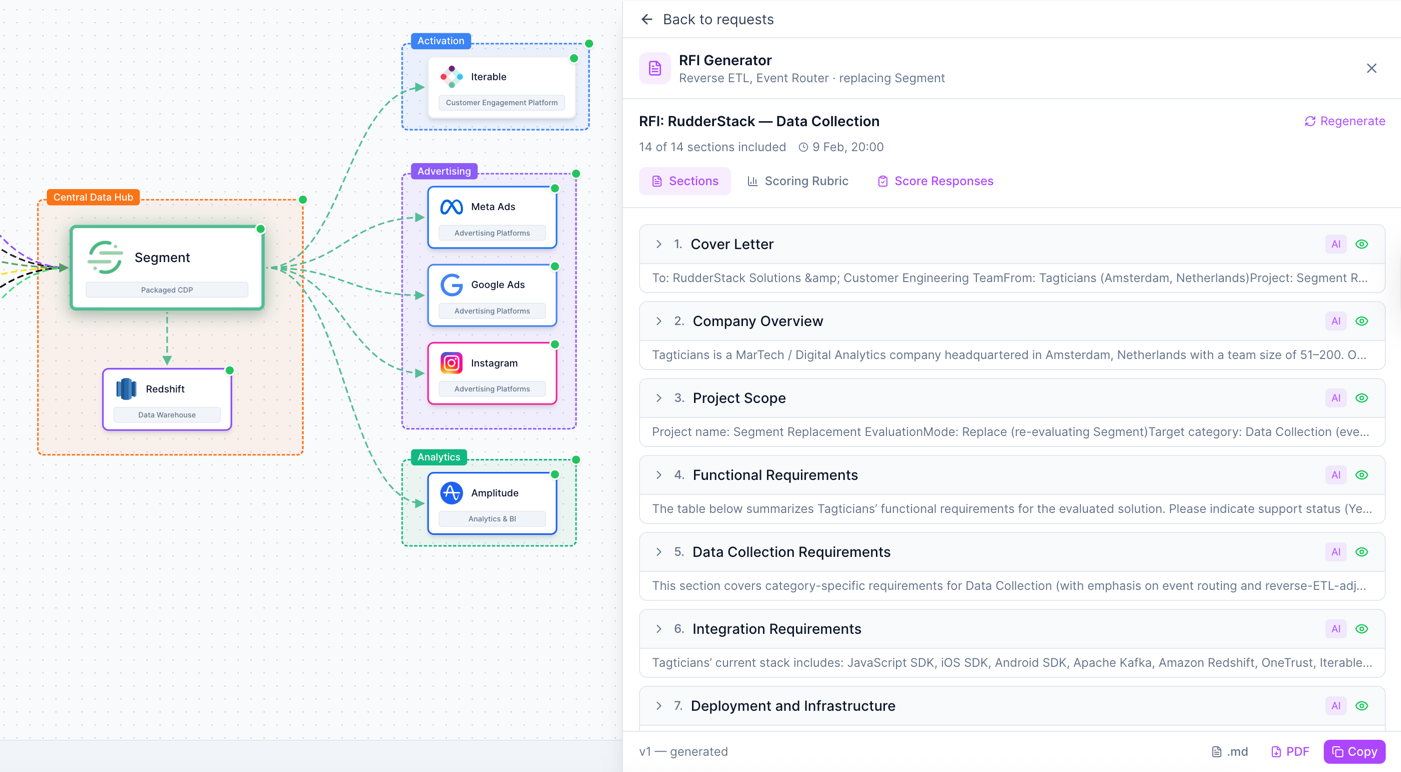
| RFI builder | ✓ | — |
| Custom formulas & calculations | — | ✓ |
| Pivot tables & data analysis | — | ✓ |
| Cost tracking | Cost lens (Pro); Stack Costs (Consultant+) | ✓ |
| Vendor inventory list | ✓ | ✓ |
| Collaboration | Team plan | ✓ |
| Export options | PNG, SVG, JSON, CSV | CSV, XLSX, PDF |
| Free tier | ✓ | Google Sheets free |
Why Martech teams choose Stack Builder
Visual architecture vs flat rows
See how tools connect, where data flows, and how your stack is structured -- not just a list of names in cells. A visual architecture reveals integration gaps, data silos, and redundancies that are invisible in a spreadsheet.
- Drag-and-drop nodes with connections showing data flow
- See integration gaps and data silos on the diagram
- Stakeholder-ready diagrams, not screenshots of cells
Computed analysis vs manual review
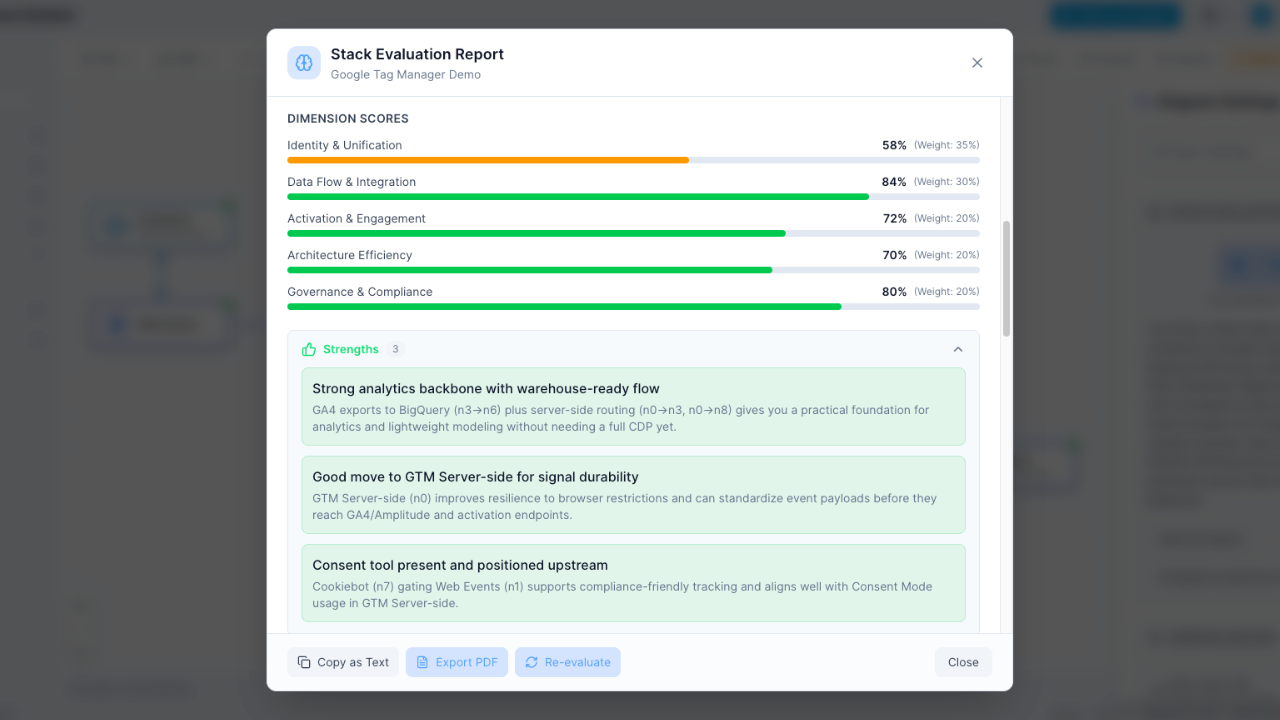
Stack Builder computes where your tools duplicate each other from a cited capability record, grades the stack A-F and, from the costs you enter, prices the duplication. Spreadsheets store the data; they can't tell you where your stack overlaps.
- An A-F grade computed from duplicated capability
- Overlapping tools named, with a verdict per tool
- Numbers computed from your stack; the AI only writes the summary
Interactive exploration vs scrolling
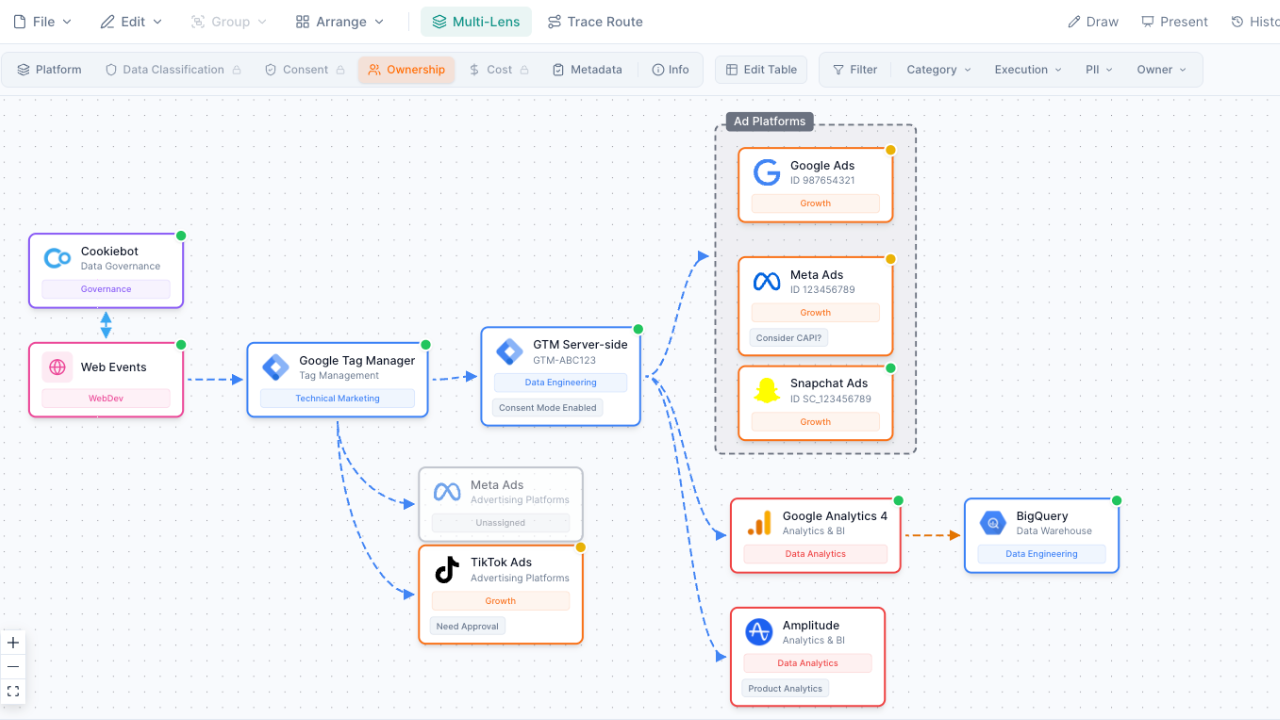
Trace data flows from any node, switch lenses for different perspectives, and explore your stack visually. In a spreadsheet, you're scrolling rows and cross-referencing tabs to understand how things connect.
- Trace upstream and downstream from any tool (25 traces on Free, unlimited on Pro)
- Switch between ownership, cost, PII data and consent lenses (Owner is free; the rest need Pro)
- Zoom, pan, and focus on any part of your architecture
Built-in vendor intelligence
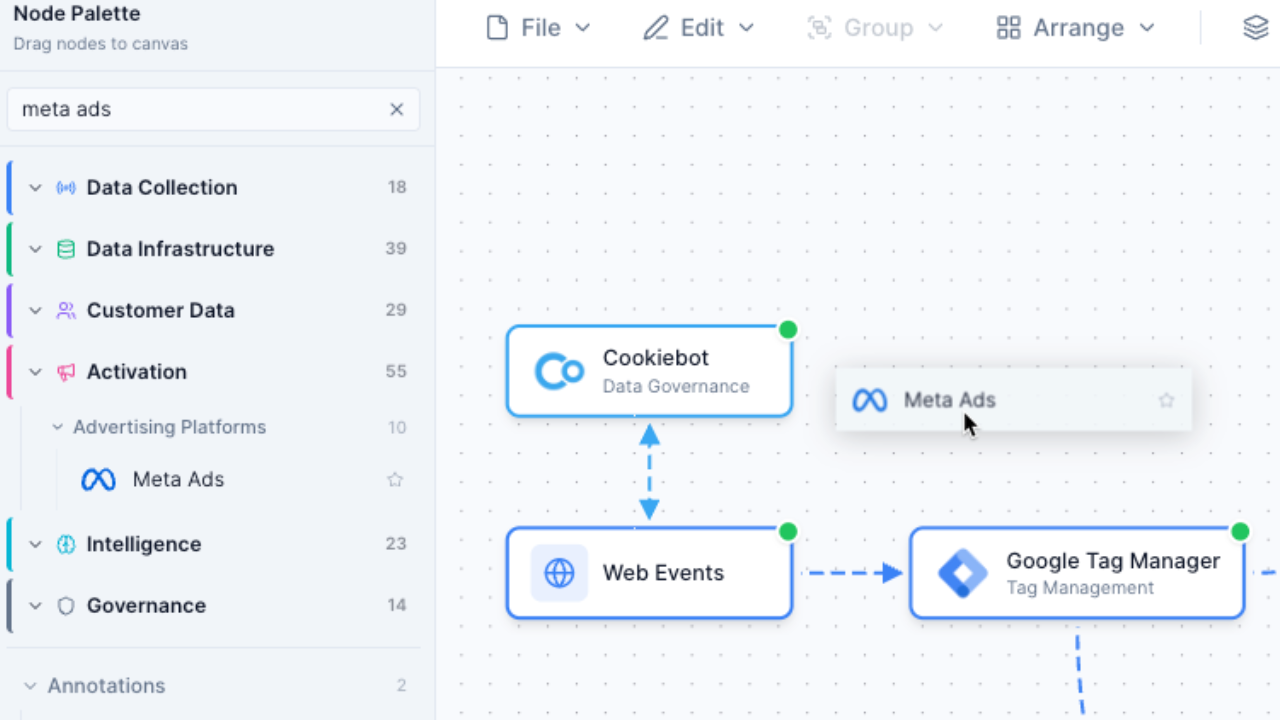
460+ vendors with logos, categories and descriptions already included. No need to manually build and maintain a vendor registry in your spreadsheet -- just search and drag onto your canvas.
- Pre-built nodes for Segment, HubSpot, Salesforce and the rest of 460+ vendors
- Vendor logos and category metadata maintained for you
- Search by vendor name, category or capability
When to use Spreadsheets instead
Spreadsheets remain the best tool for certain Martech management tasks. Choose spreadsheets when you need:
- Detailed cost tracking with custom formulas -- sum, average, and forecast your Martech spend with calculations that update automatically
- Vendor contract management -- track renewal dates, license counts, contract terms, and compliance deadlines in structured rows
- Large dataset analysis with pivot tables -- slice and dice vendor data across departments, regions, and cost centers
- Quick data entry for inventory purposes -- rapidly log new tools, update statuses, and maintain a running list of your Martech investments
But when the task is specifically Martech stack architecture -- visualizing how tools connect, evaluating your stack's health, and planning future integrations -- Martech Stack Builder gives you the visual and analytical layer that spreadsheets can't.
Frequently Asked Questions
Can I import my spreadsheet into Stack Builder?
Should I stop using spreadsheets entirely?
Can Stack Builder track costs like a spreadsheet?
How do teams typically use both together?
Is Stack Builder more expensive than Google Sheets?
Can I export Stack Builder data to a spreadsheet?
Go beyond rows and columns
Turn your Martech inventory from a flat spreadsheet into an interactive architecture diagram you can audit.
No credit card required. Free plan available.